Master a track
Upload a finished mix, choose how loud the master should be, and listen to the master against your mix. Hearing the whole master is free. To get the file, see Download your master.
What you need
An account, free or Unlimited. A free account can make 20 masters a day.
Your finished mix as WAV, AIFF, FLAC or MP3, up to 1 GB and 12 minutes long (6 minutes above 48 kHz).
A few minutes. The job page shows an estimate while it works.
1. Open the upload page
On a computer
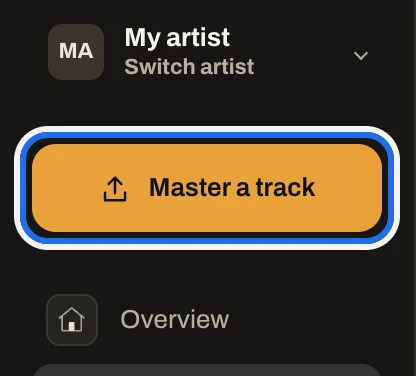
Sign in and press Master a track at the top of the sidebar.
On a phone
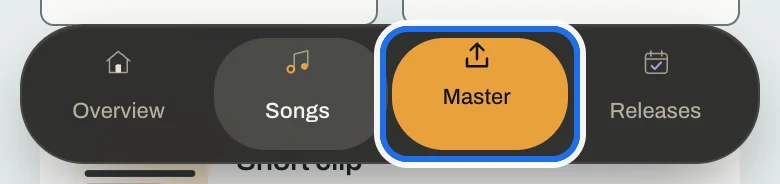
Sign in and tap Master in the bar at the bottom of the screen.
2. Name the song
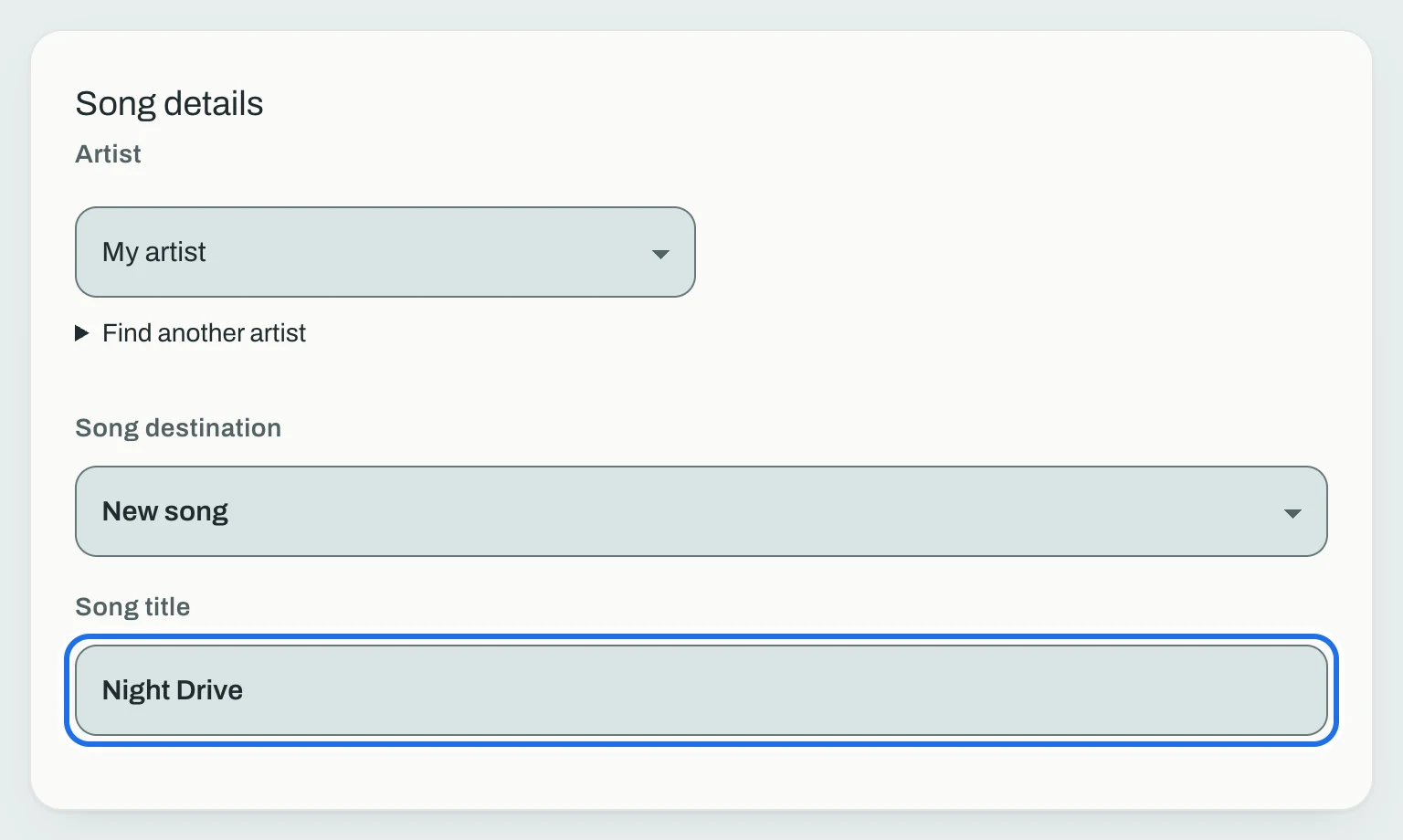
Under Song details, check the artist, leave Song destination on New song (or choose Existing song to add this mix to a song you already have), and type the Song title.
3. Add your mix
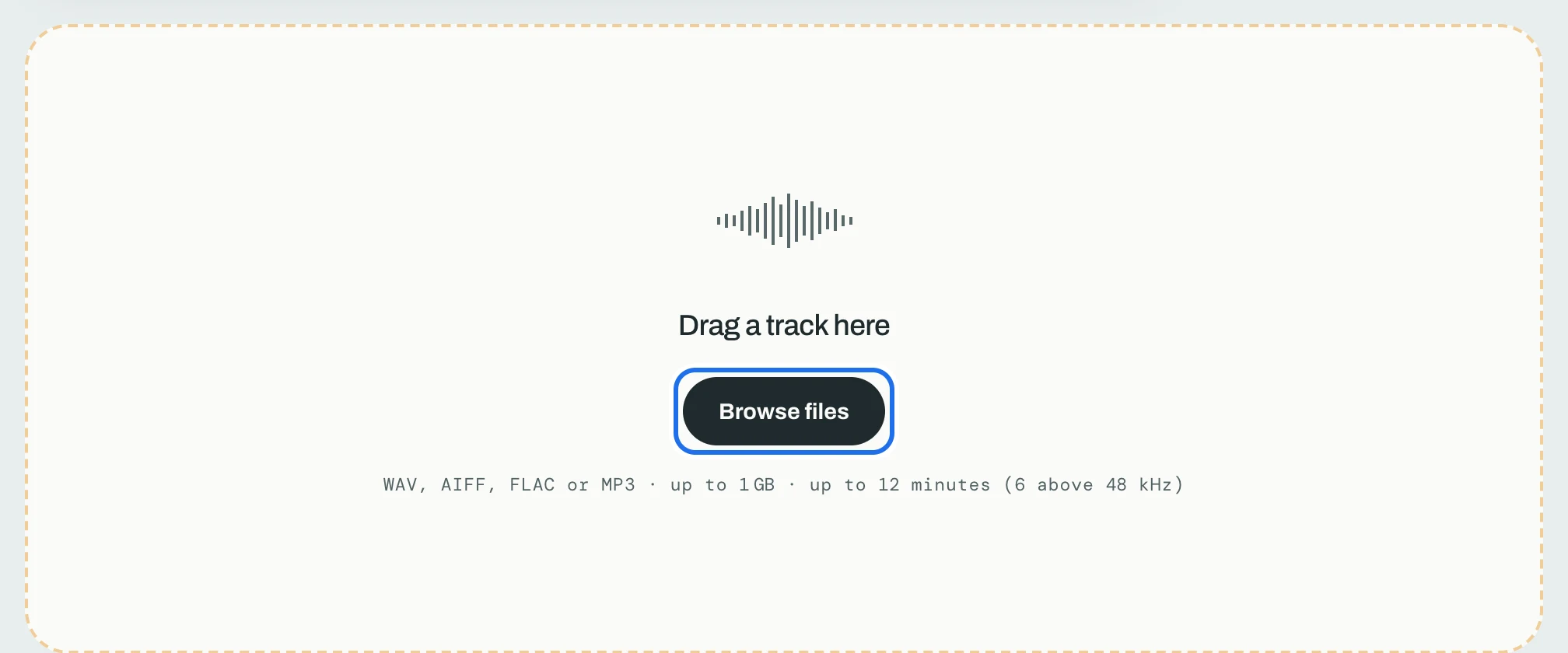
Drag the file onto Drag a track here, or press Browse files and choose it. The line under the button lists the files the page accepts.
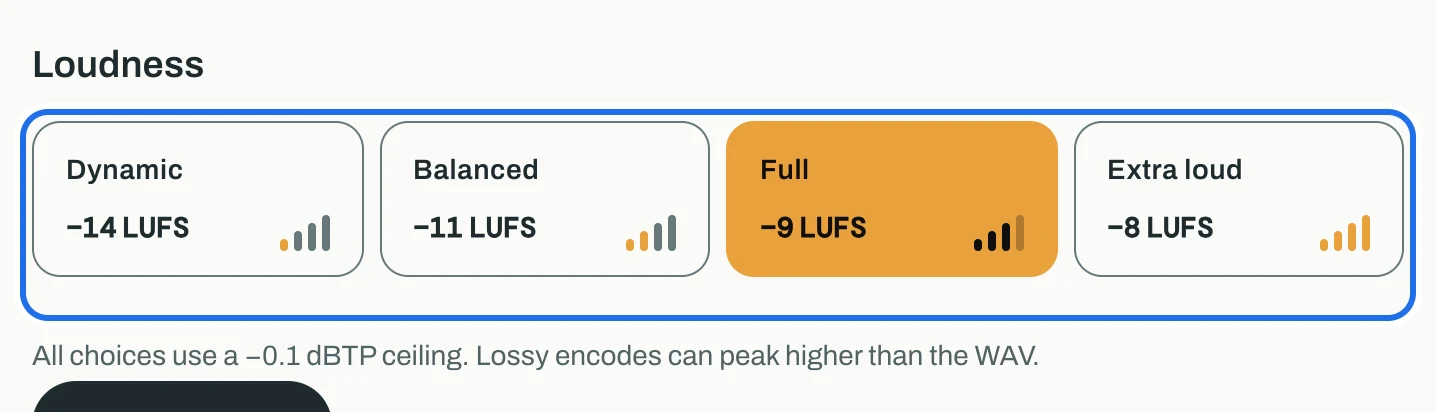
4. Choose a loudness
Pick one of the four choices: Dynamic (−14 LUFS), Balanced (−11 LUFS), Full (−9 LUFS), Extra loud (−8 LUFS). Full is chosen to start. Every choice keeps the master's peaks under a −0.1 dBTP ceiling.
Not sure which? Loudness targets explains what each streaming service does with a loud master.
5. Start mastering
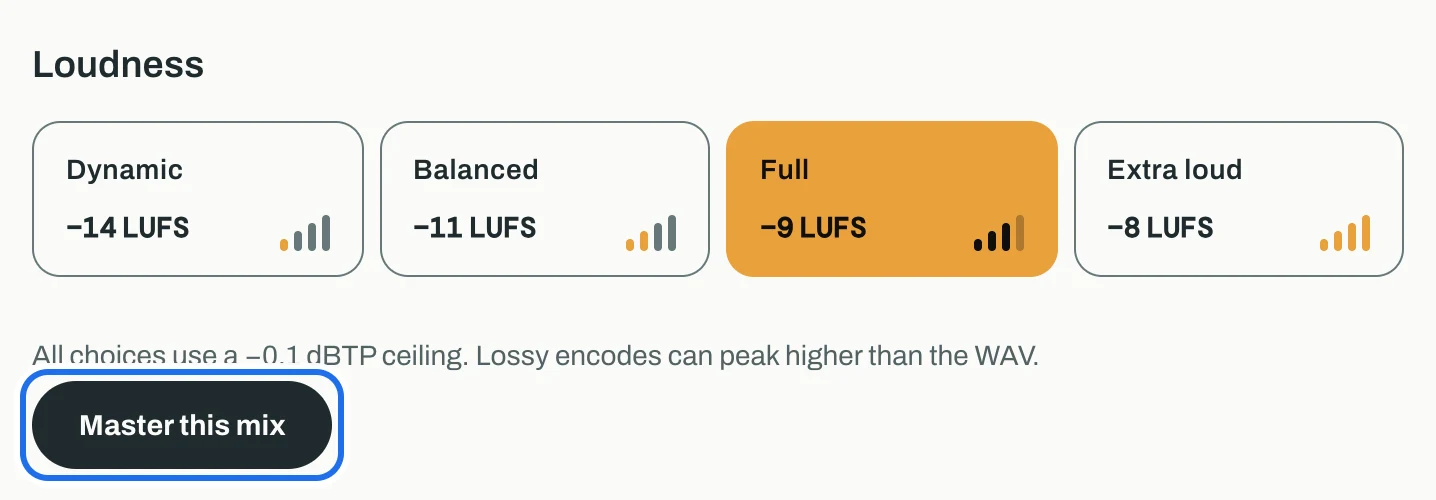
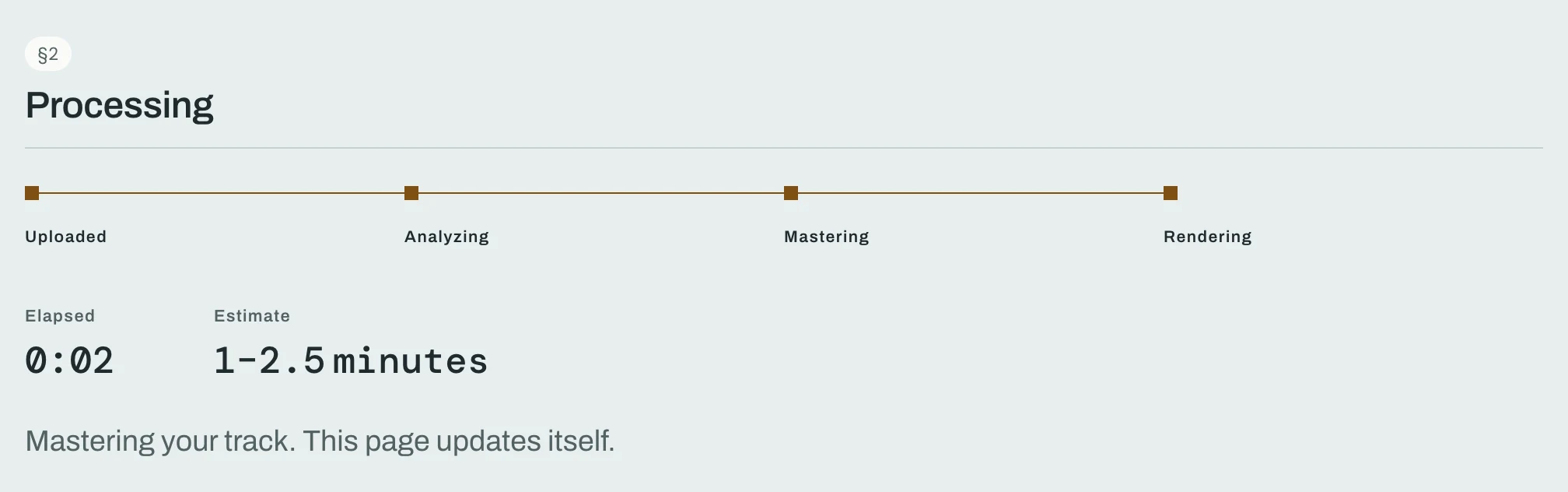
Press Master this mix. The page moves to the job page, which shows each stage (Uploaded, Analyzing, Mastering, Rendering), the time so far and an estimate. It updates by itself.
6. Listen to the master
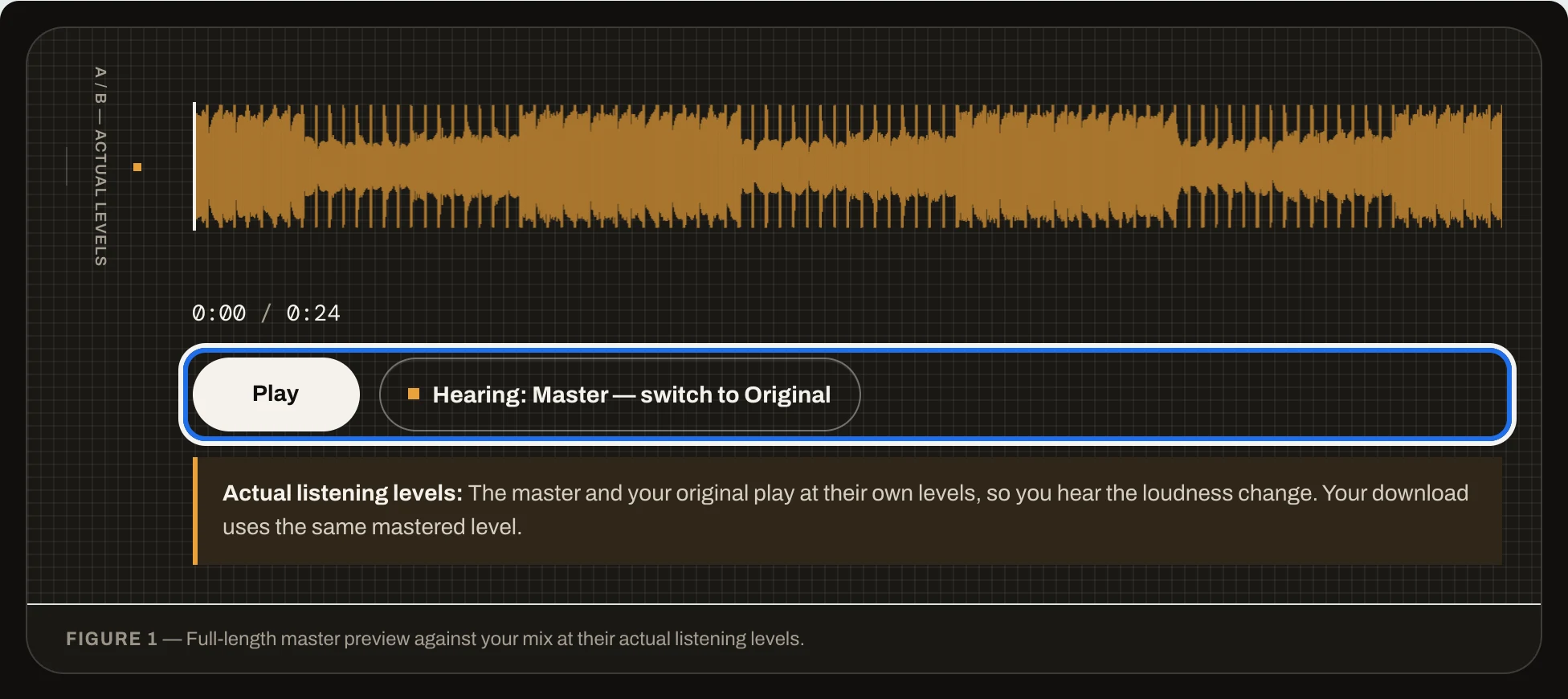
When it finishes, the page says Your master is ready and moves down to Delivery. Press Play. The button beside it switches between the master and your original mix. Both play at their own levels, so you hear the change in loudness, and the file you download is the master you hear.
7. Compare the numbers
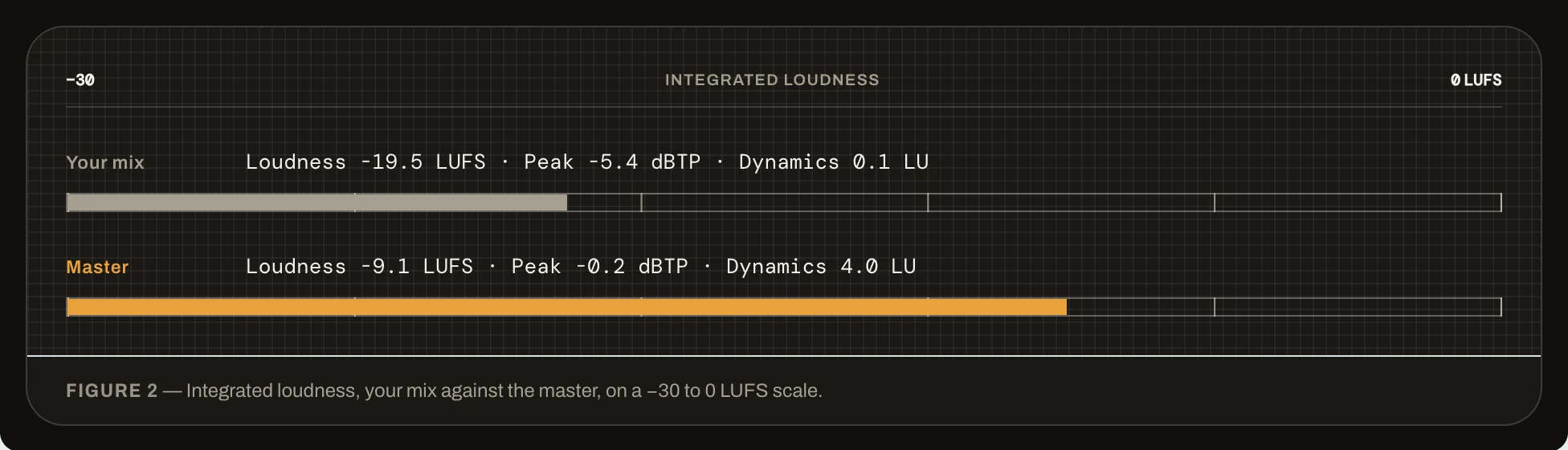
Under the player, Your mix and Master each show loudness in LUFS, the highest peak in dBTP and dynamics in LU, on one scale.
Want a different loudness? Press Change loudness under the download buttons. It makes another master from the same mix and keeps the one you have.
Next: Download your master. If the job page says the master was not delivered, see Fix a master that failed.